

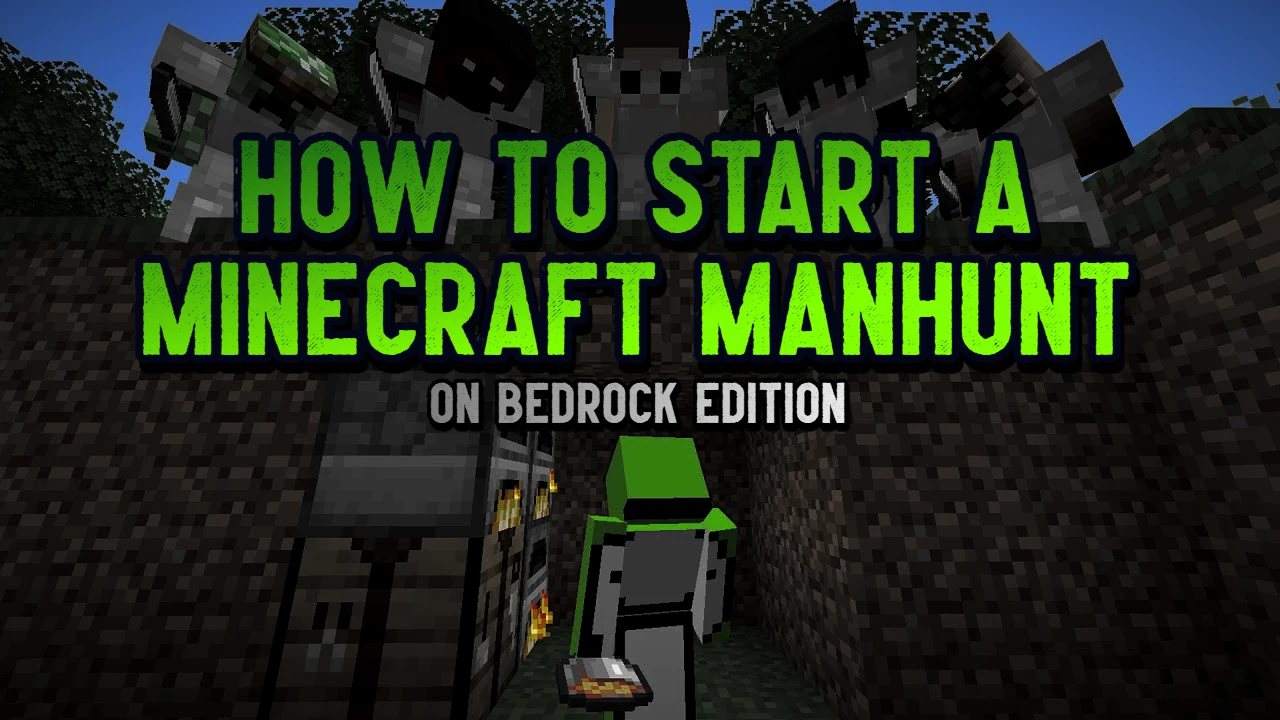
How to Play Minecraft Manhunt on Bedrock Edition
Minecraft Manhunt is one of the most exciting custom game modes you can play with friends. Inspired by Dream’s YouTube series, Manhunt puts one runner against a team of hunters — the speedrunner tries to beat the game, while the hunters try to stop them at all costs.
If you’re on Minecraft Bedrock Edition (Windows 10, iOS, Android, Xbox, Switch), setting up Manhunt can be tricky… unless you’re using the right tools. This guide shows you exactly how to set up a Minecraft Manhunt game on Bedrock — quickly, easily, and with no commands needed.
What Is Minecraft Manhunt?
In Minecraft Manhunt:
- 1 Player (the runner) tries to beat the game — typically by reaching the End and killing the Ender Dragon.
- Other players (the hunters) try to kill the runner before they succeed.
- Hunters usually respawn infinitely and have a tracking compass that always points to the runner.
Download the Minecraft Manhunt Pack (Bedrock)
To make setup super easy, we recommend using our Minecraft Bedrock Manhunt Pack — no command blocks or setup required!
👉 Download the Manhunt Pack Here
Works on all Bedrock platforms — mobile, console, and PC!
Features of the Pack:
- Lightweight and lag-free
- Compass that tracks the runner in real-time
- Automatic speedrunner tracker setup system
- No command block setup required
- Easy to use in any survival world
How to Install the Manhunt Pack
- Download the .mcaddon file from the page above.
- Open the file — Minecraft will launch and import it automatically.
- In the World Creation menu or Edit World screen:
- Go to Behavior Packs ➜ click My Packs ➜ Activate the Manhunt Pack
- Go to Experimental Gameplay Options ➜ Activate Beta-APIs
- Make sure Multiplayer is turned ON so your friends can join.
That’s it — you’re ready to play Manhunt in Minecraft Bedrock!
Image Gallery


How to Play Manhunt in Minecraft Bedrock
Once the world loads:
- One player becomes the Speedrunner by typing /add in the chat
- All other players type /track to receive a tracking compass
- Hunters should click the compass (long click on mobile) to start tracking the Speedrunner
- The game begins when the runner runs off!
- Hunters can respawn infinitely; the runner only gets one life (unless you decide otherwise).
You can customize the experience:
- Play in teams (2 runners vs. 3 hunters, etc.)
- To add multiple Speedrunners, each speedrunner should type /add in the chat.
- For hunters to switch tracking the different players, they should click the compass (long click on mobile, right click on PC)
- Add a time limit
- Allow the Speedrunner multiple lives
Want Lag-Free Manhunt? Host Your Own Server
If you’re playing Minecraft Manhunt with friends, hosting your own Bedrock server is the best way to get a smooth, lag-free experience — especially for larger games or cross-platform play.
We recommend using Apex Hosting, one of the fastest and easiest Minecraft server hosts for Bedrock Edition.
✅ Easy installation support for Manhunt and other addons/packs
✅ Low-latency Bedrock servers (great for mobile, console, and PC)
✅ Affordable monthly plans with instant setup
✅ 24/7 uptime – no need to keep your game running to play with friends
🎮 Perfect for:
- Hosting Manhunt tournaments
- Running private survival or creative worlds
- Installing other custom packs, addons, mods, and texture packs
👉 Start your own Bedrock server today with Apex Hosting!
(Use my affiliate link so you get 25% off — and help support my Minecraft projects!)
Want More Challenges?
If you like Manhunt, try these other Minecraft Bedrock game modes:
✅ Random Item Challenge Pack – Get random items every 15 seconds. Total chaos.
✅ Outlined Ores Texture Pack – Make finding ores a bit easier with Outlined Ores.
✅ Vegeterian Minecraft Challenge – Wow, being a vegetarian is hard! Good luck!
Questions? Contact Us
Join our Discord to chat, request help, get update notifications, or leave suggestions.
Subscribe to content updates and new releases. We rarely send emails, so we won’t spam you!